
Complete Visibility of Your Vehicles
Vehicle Tracking Software
Get real-time tracking, route insights, and detailed journey records to manage vehicles more efficiently and securely.

Real-Time GPS Tracking

Trip History & Record Management
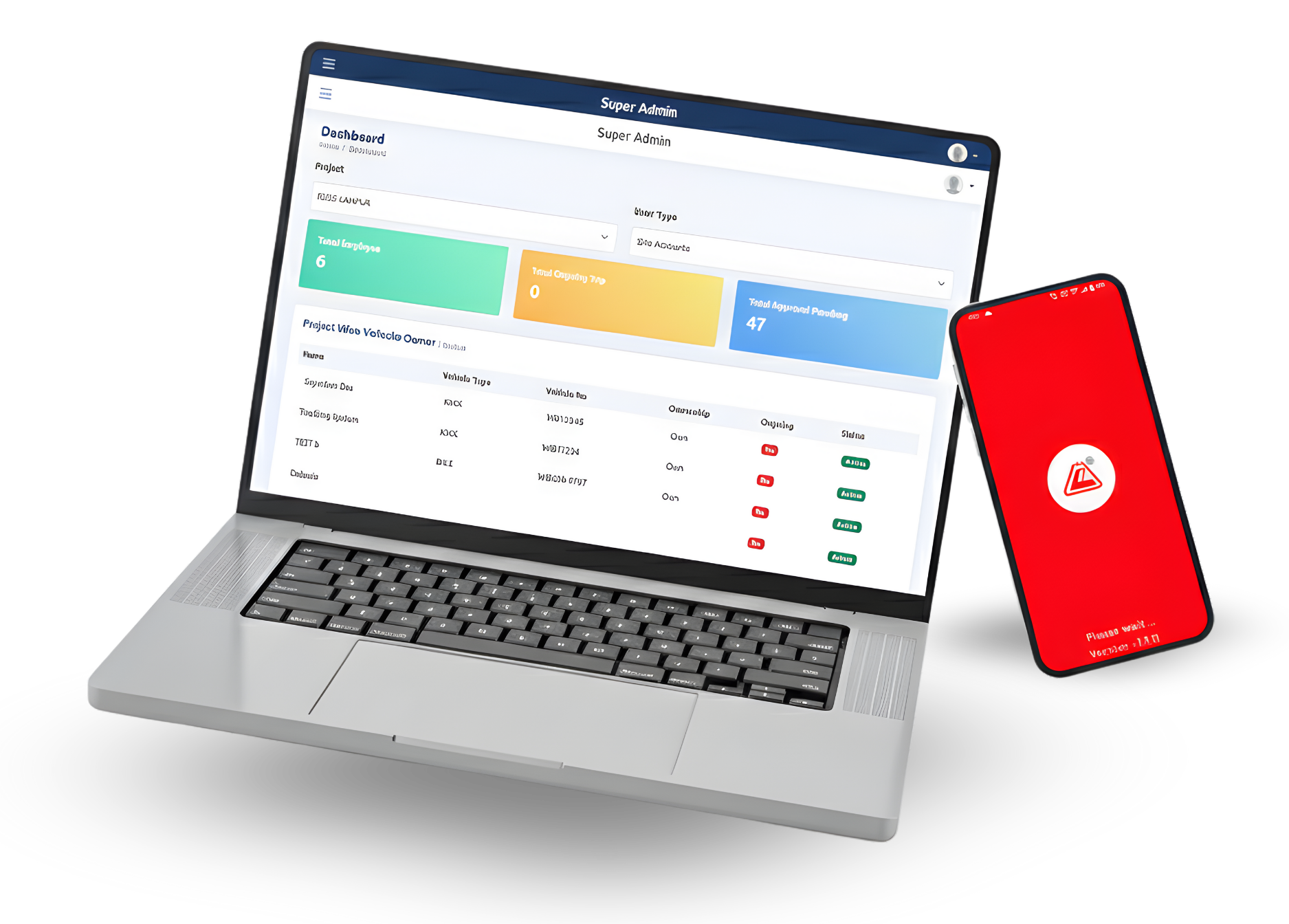
How It Works
How Vehicle Tracking Software Works
Vehicle Tracking Software uses GPS-enabled devices installed in vehicles to collect real-time location and movement data. This information is transmitted securely to a centralized platform, where users can view live tracking, trip history, speed, and alerts through a web or mobile dashboard. The system helps monitor vehicle activity, optimize routes, enhance safety, and improve overall fleet efficiency with accurate, actionable insights.
Login
The employee or vehicle owner logs into the app with their credentials and marks themselves as online.
Select Project
After logging in, they select the assigned project from the list of available projects.
Start Trip
The employee starts the trip by clicking on the Start Trip button.
Enter Private Travel Kilometers
If applicable, they first input the private travel kilometers from the previous trip to account for personal use.
Login
The employee then enters the current meter reading of the vehicle before beginning the new trip.
Enter Assigned Work
The employee provides details about the assigned work they are doing as part of the project.
Upload Meter Reading Snapshot
A photo of the meter reading is taken and uploaded as proof of the current vehicle reading.
Submit
After all the details are entered, the employee clicks Submit to log the information.
Admin Review
The submitted data is sent to the admin for an initial review, but only managers in the hierarchy can approve or reject it.
Managerial Hierarchy Review
The data advances through approval levels, but if rejected at any stage, it is returned for correction before proceeding.
Final Approval
Once the top-level manager approves the data, it is finalized.
Payout Generation
After final approval, the system generates the payout based on the approved trip data.
Key Features
Key Features of Our Vehicle Tracking Software
Vehicle Tracking Apps Features
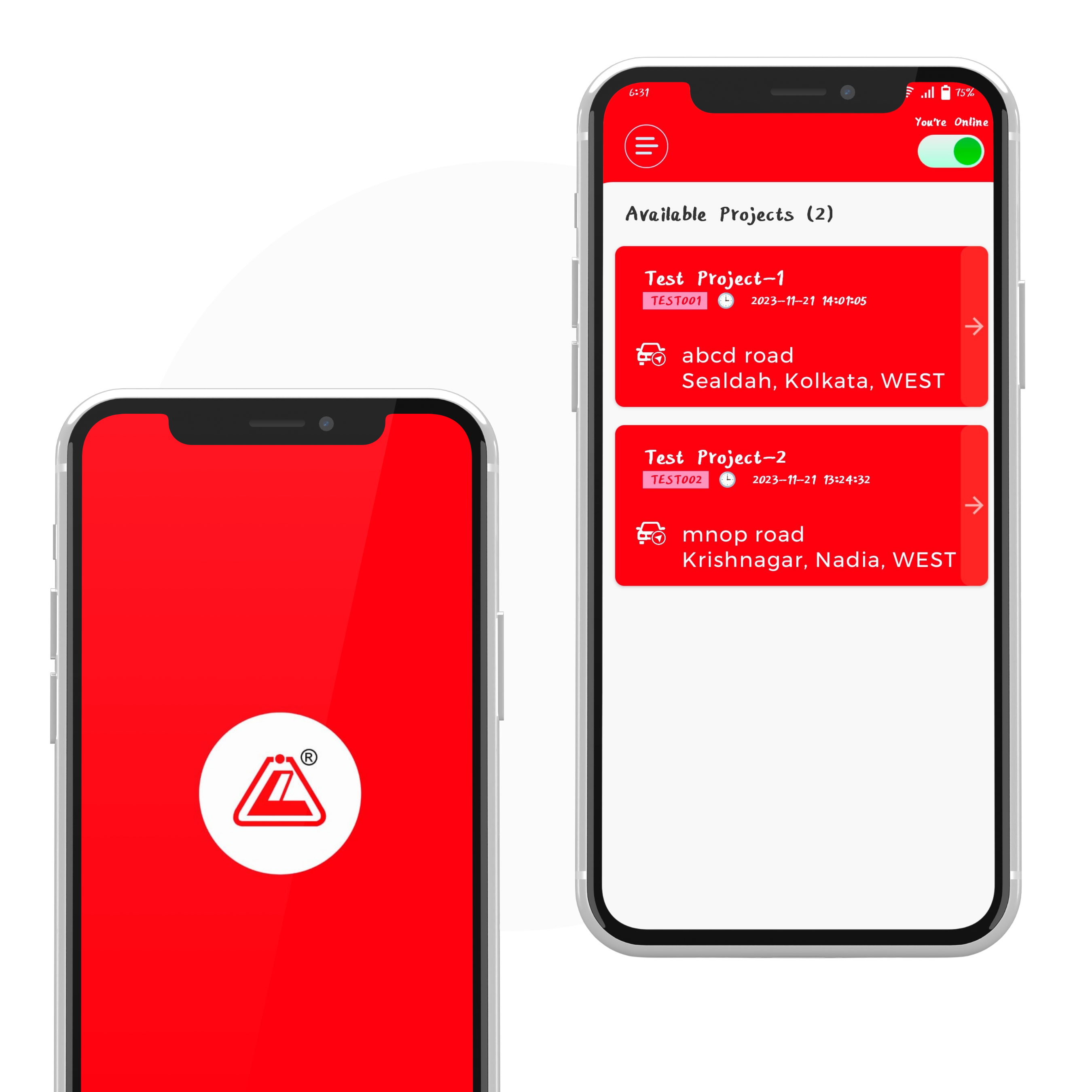
User-Friendly Interface
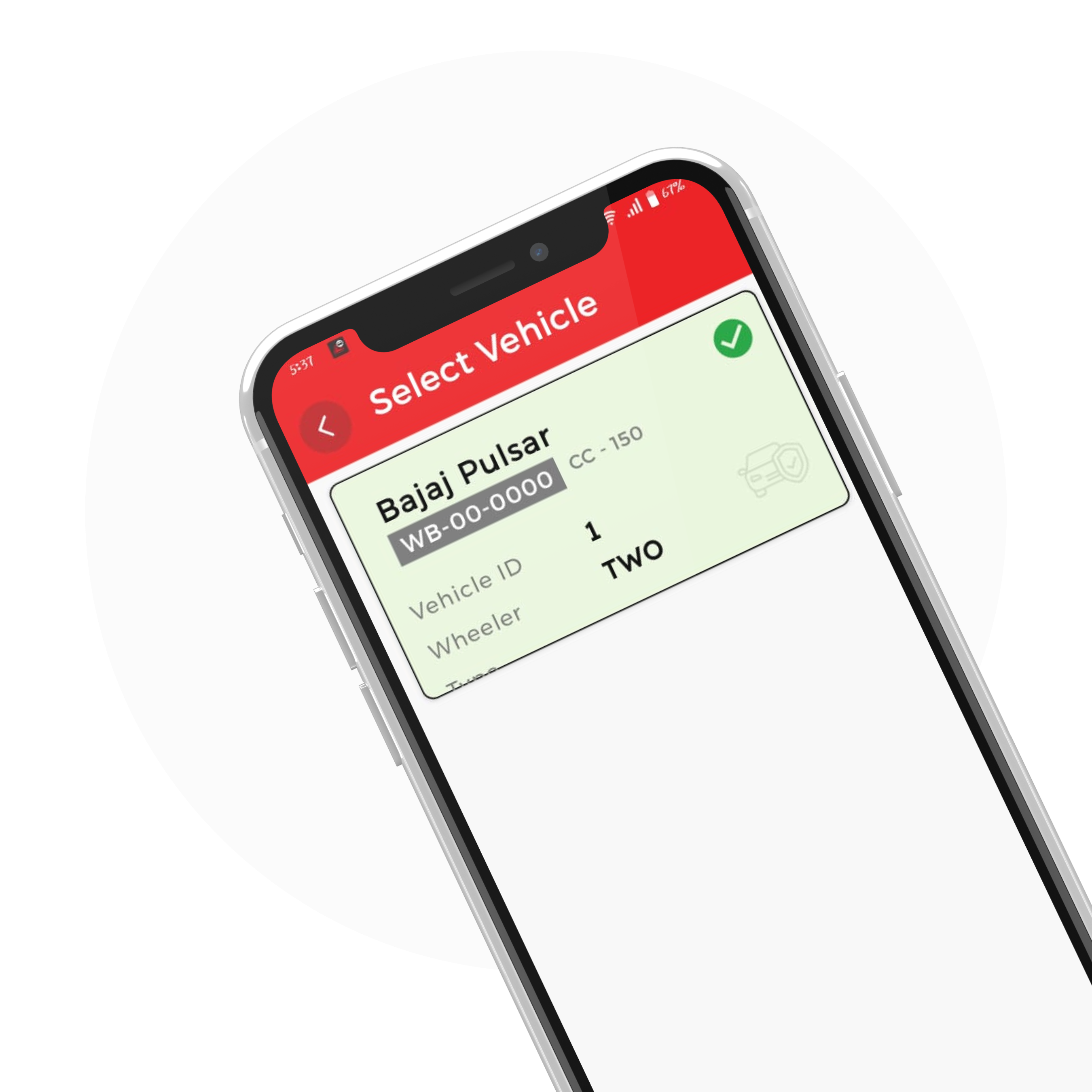
Multiple Vehicle Management
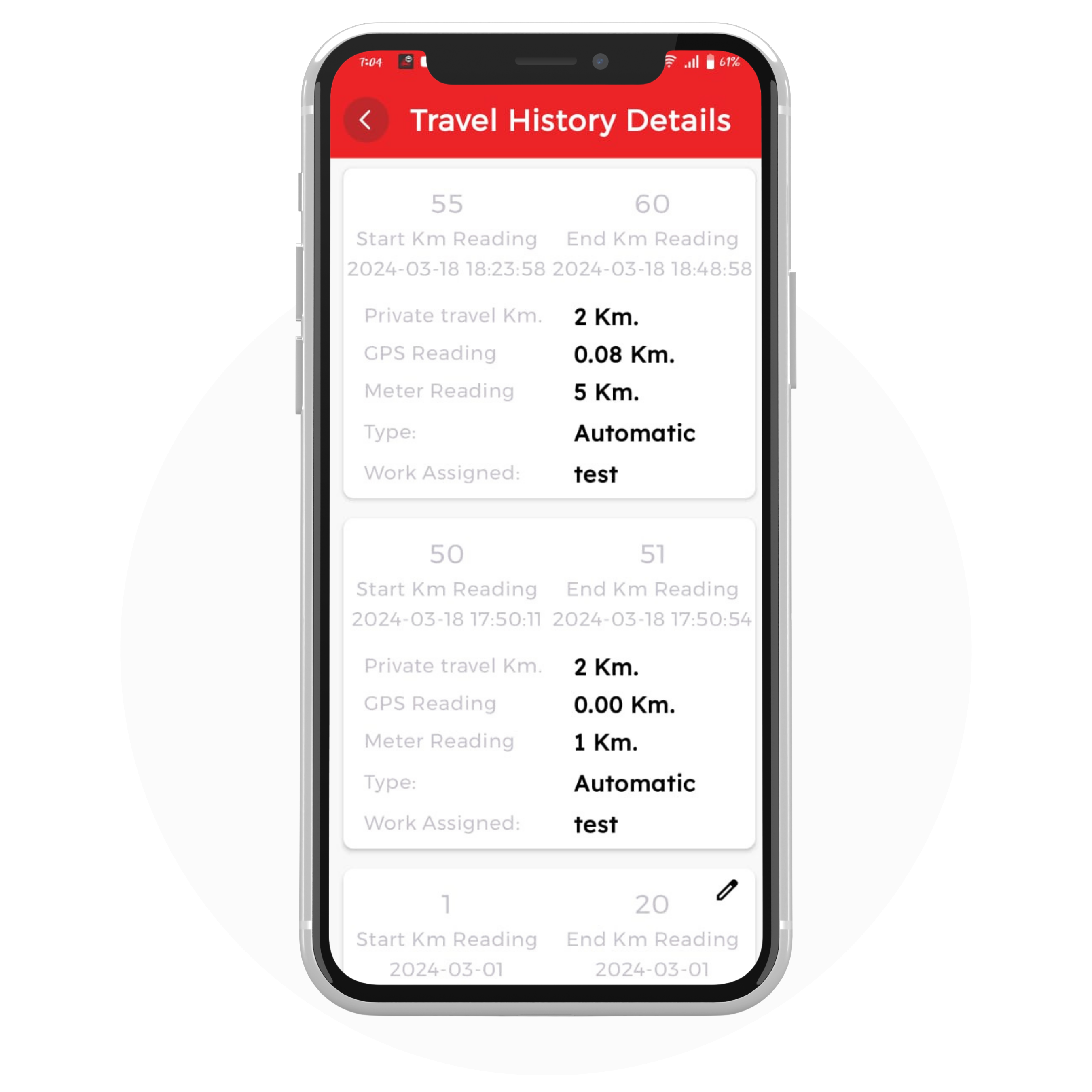
Travel History Details
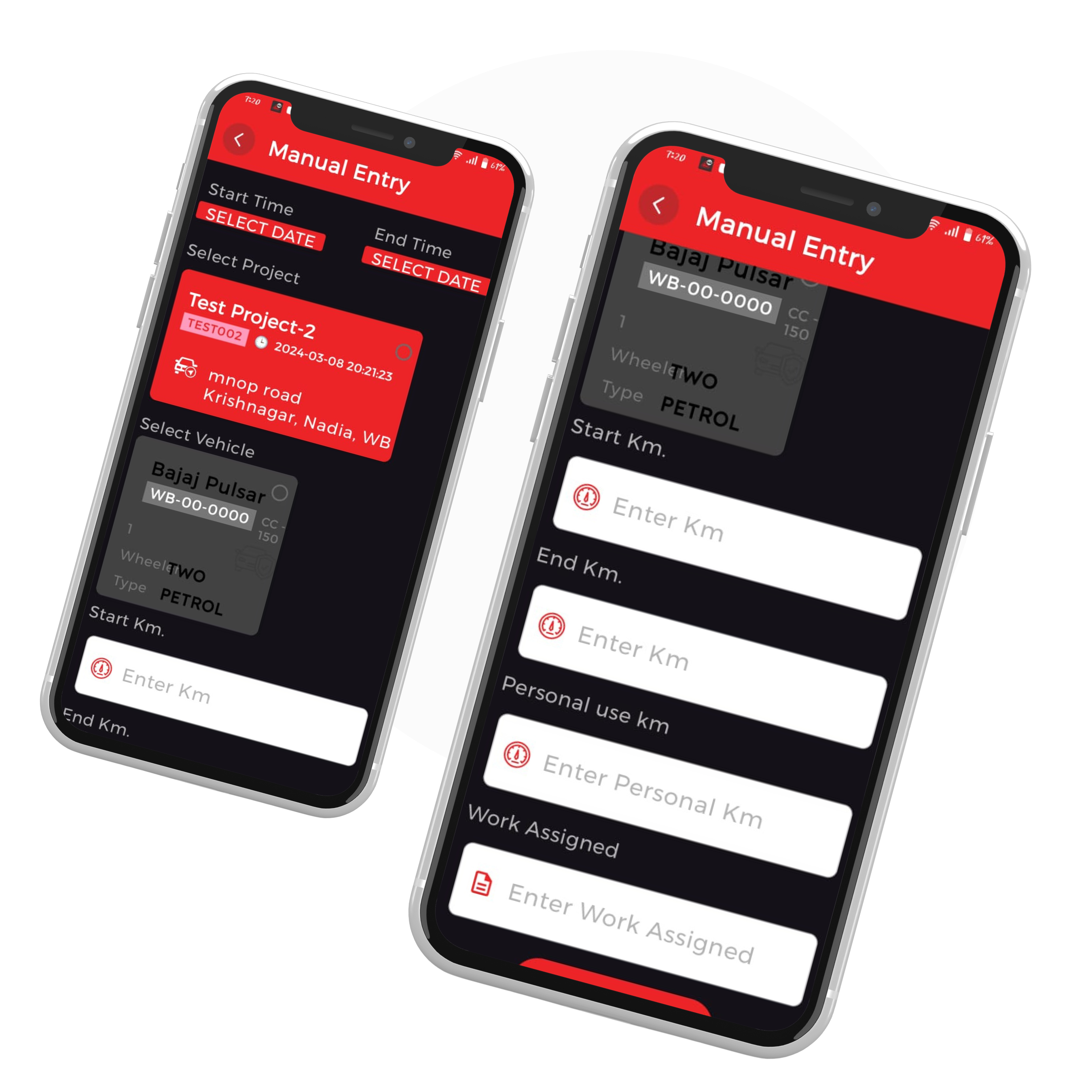
Manual Entry
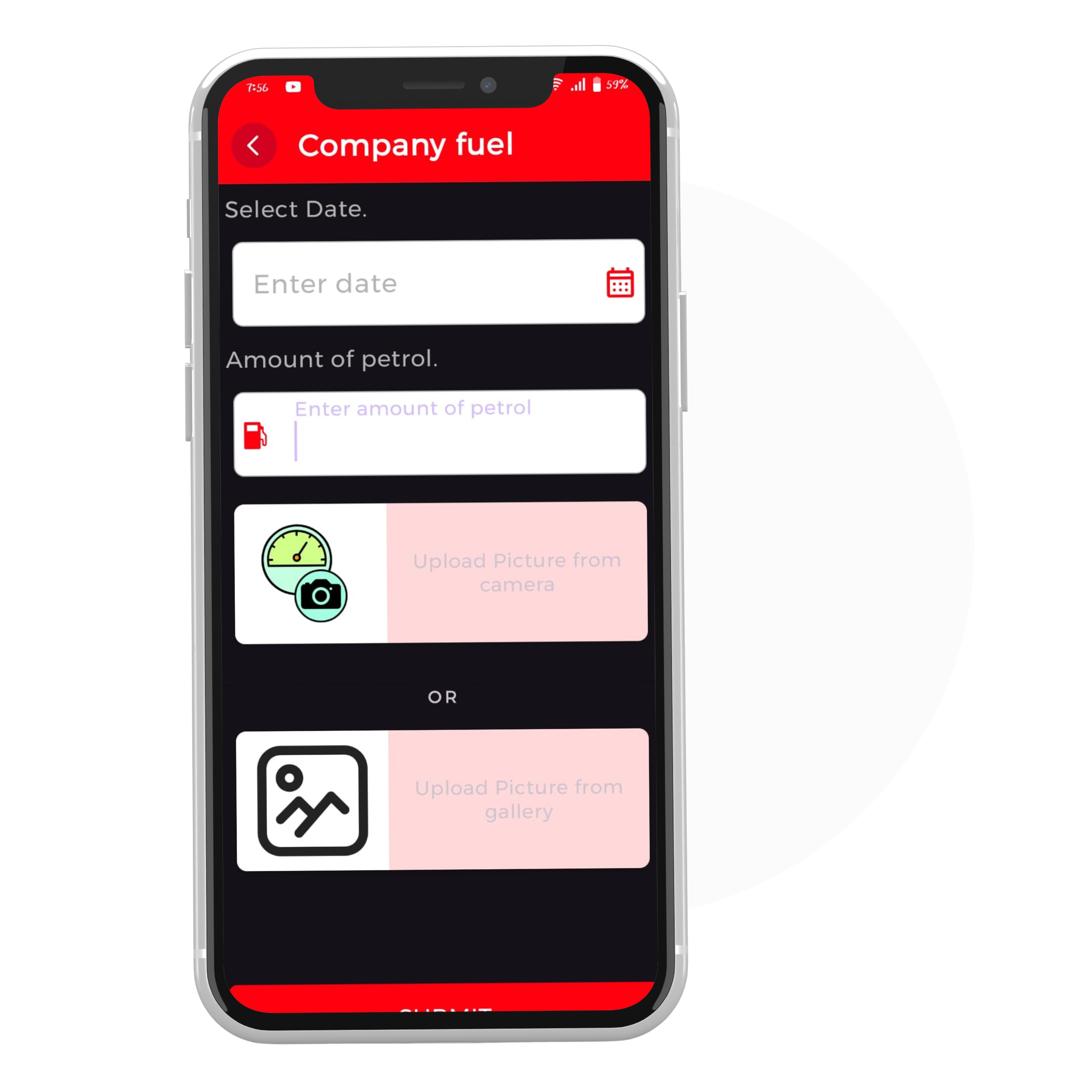
Company Fuel
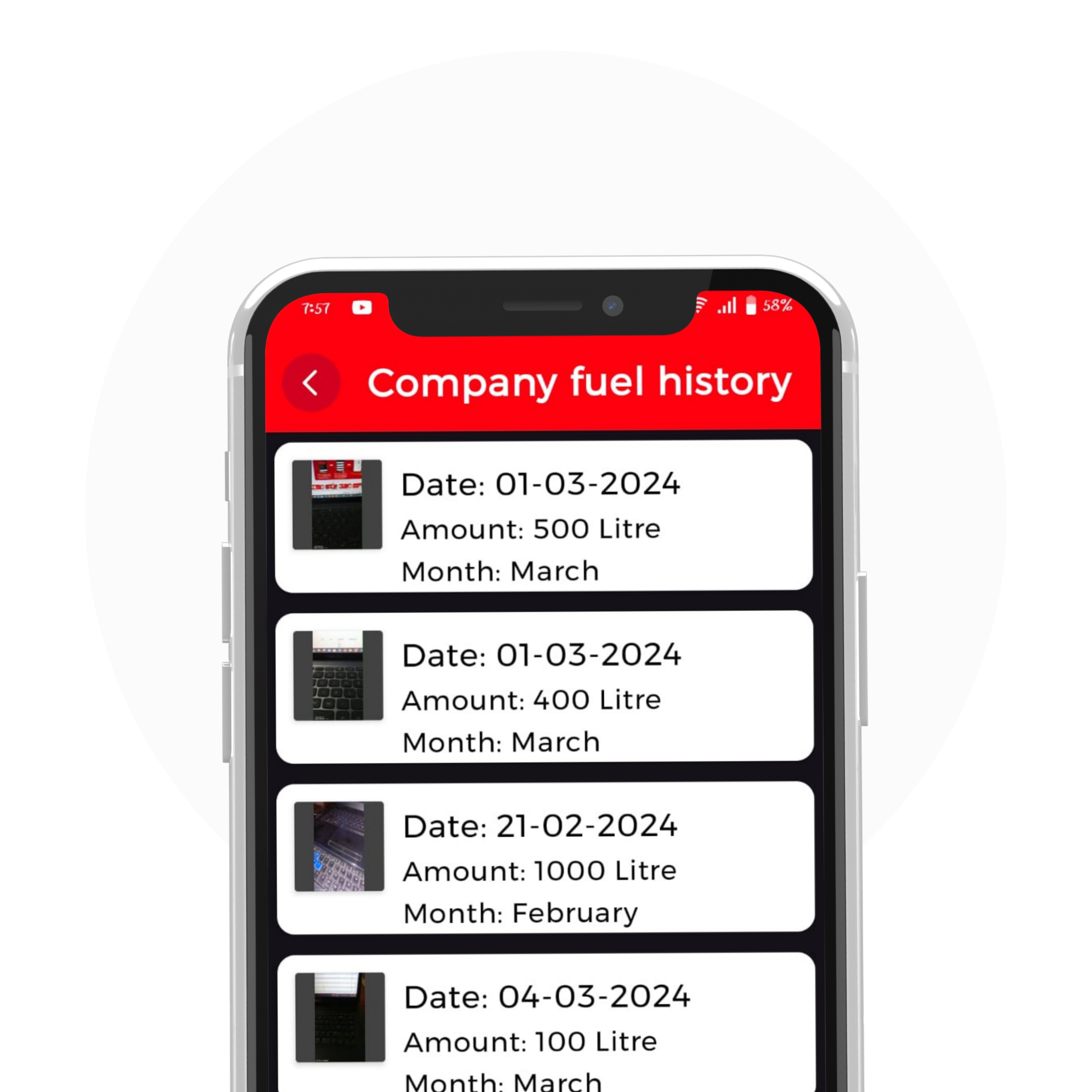
Company Fuel History
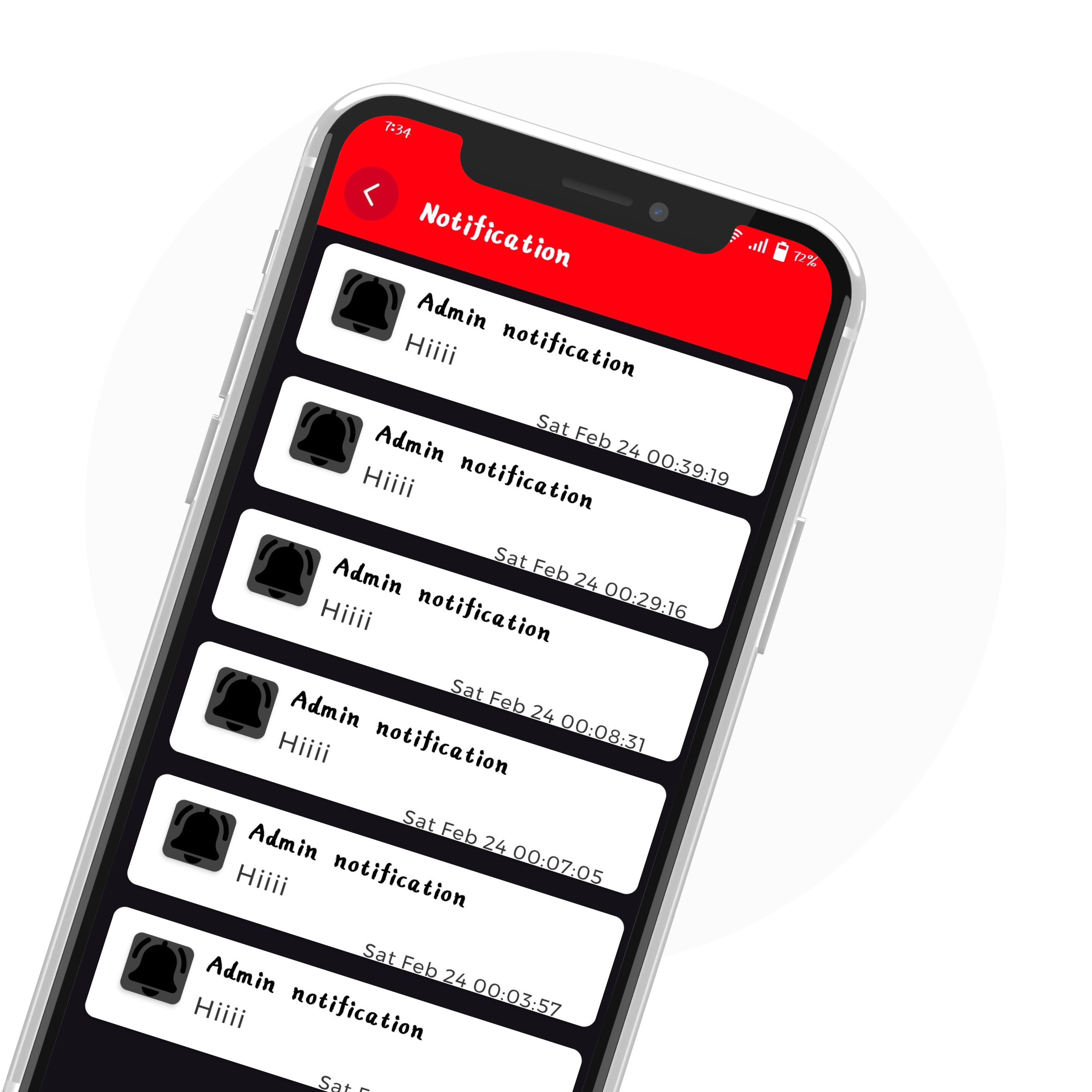
Notification
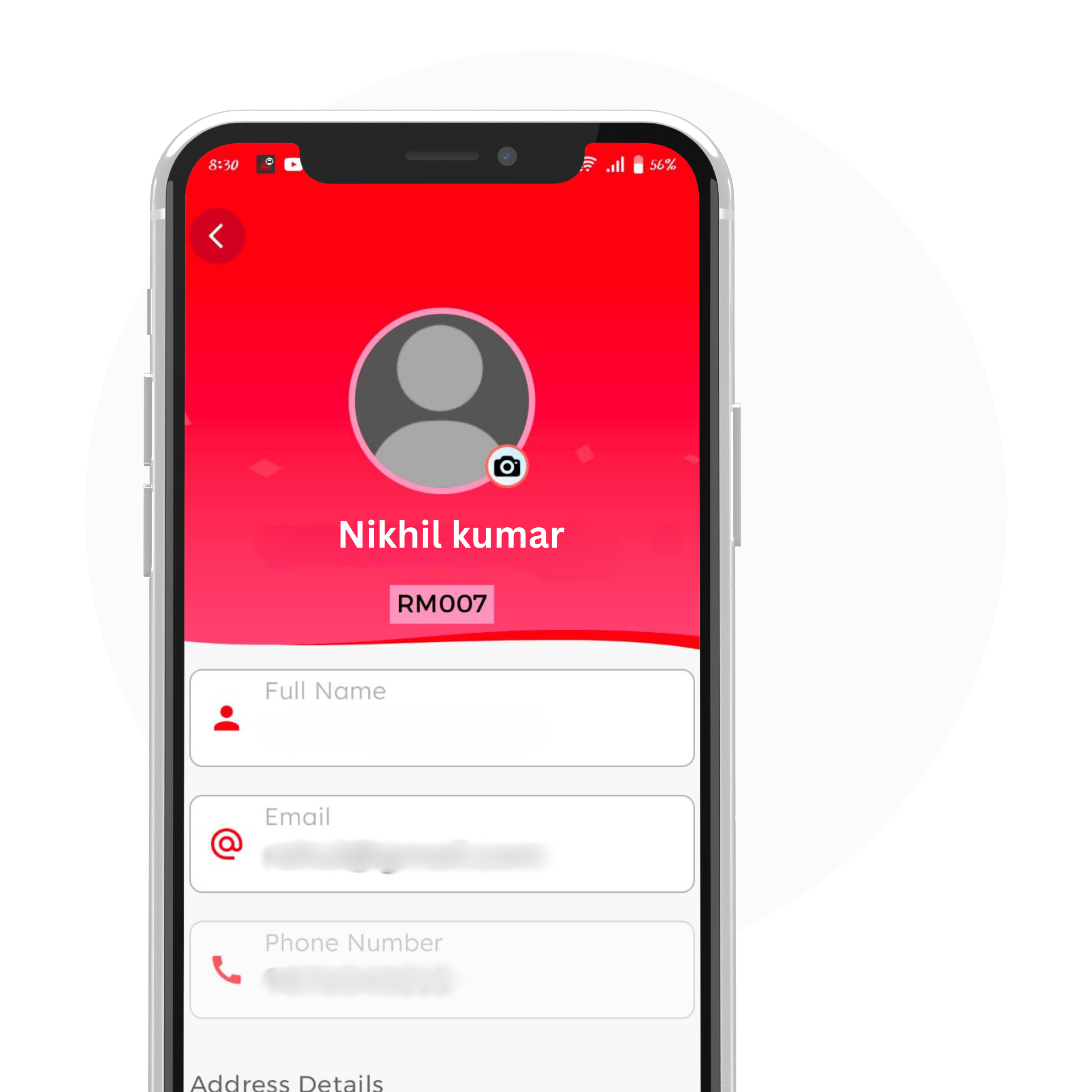
Edit/Update Profile
Super Admin Features
User Type
Vehicle Master
Hierarchy
Notification
Fuel Master
Project Master
Employee
Manager
Settings
Approval/ Rejection
Payout
Buy Company Fuel
Reports
Company Master
Project Group
Manual Entry
Sub User Features
Approval/Rejection
Payout
Reports
Close Payout
Dashboard
Admin
Manager

ISO: 9001 : 2015 Certified Company
Website | Mobile Apps | Cloud Apps | SaaS | Digital Marketing | PaaS | Web SCADA | IoT App | OMR Exam | IT Support | SalesForce | AWS | Power BI
